CrushOn AI Image Generation: How to Get AI Pictures in Chat (2026 Guide)
CrushOn AI generates images directly within the chat interface — no external tool needed. Request a scene, describe what you want, and the AI produces an image inline with the conversation. Here is exactly how it works, what each plan includes, and how to get better results.
How CrushOn AI Image Generation Works
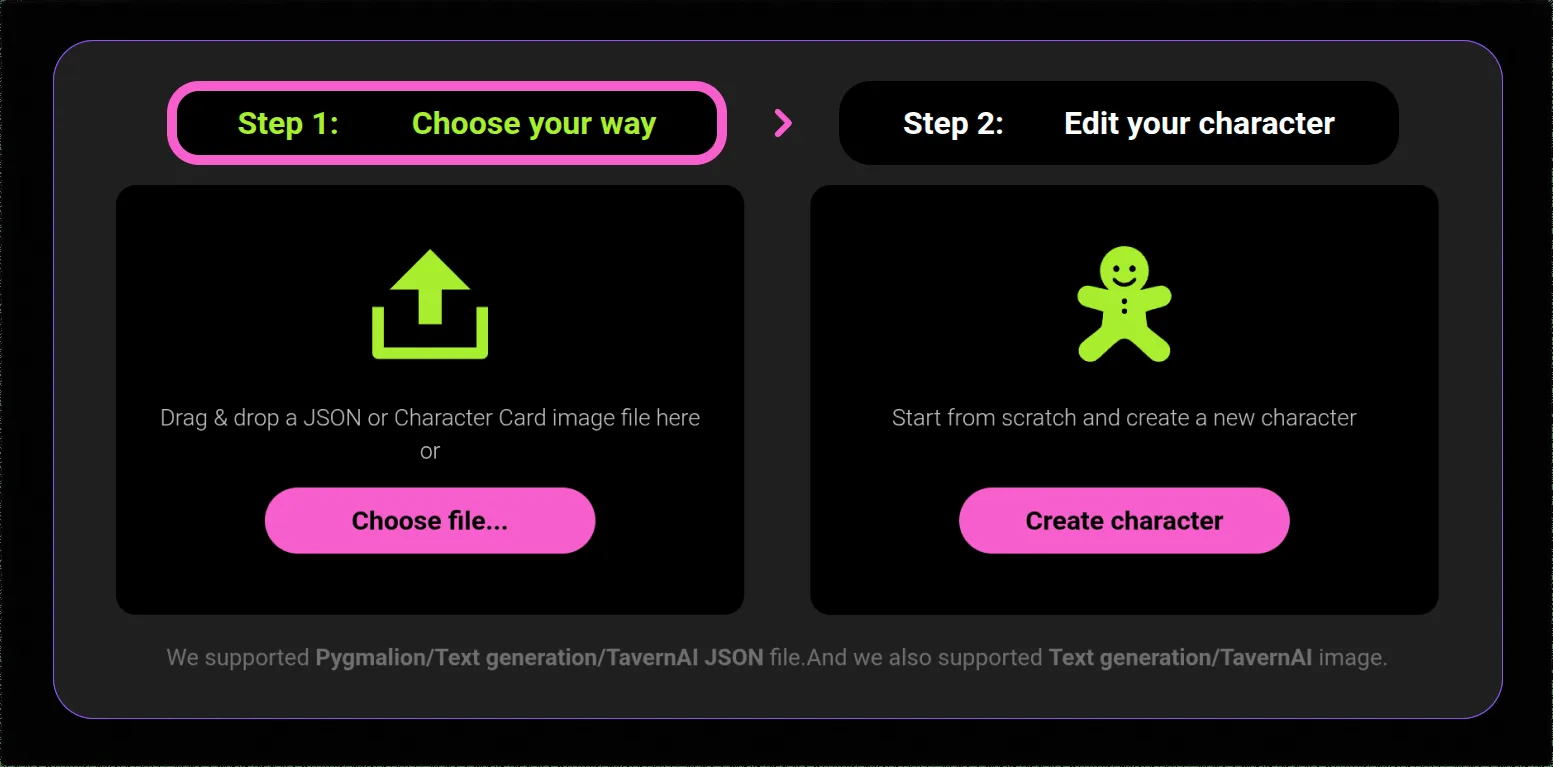
Unlike most AI companion platforms where image generation is a separate feature, CrushOn AI integrates image generation into the chat flow. You describe an image within your conversation message, and the AI produces it alongside the text response.
The underlying technology uses text-to-image AI models. You do not need to learn separate prompting syntax — conversational descriptions work. The system responds to context from your conversation, so a request like "Show yourself in the outfit you described" works, not just isolated prompt strings.
This integration is one of CrushOn AI's genuine competitive advantages. Most text-based AI companion platforms — including Character.AI and Janitor AI — do not have integrated image generation at any tier.
Which Plans Include Image Generation?
| Plan | Images Included | Quality | Monthly Limit |
|---|---|---|---|
| Free | Very limited | Standard | Minimal |
| Standard ($5.99/mo) | 50/month | Standard | 50 |
| Premium ($14.99/mo) | 200/month | HD | 200 |
| Deluxe ($49.90/mo) | Unlimited | HD | No limit |
The most significant quality jump is from Standard to Premium: 200 vs 50 images per month, and HD quality vs standard resolution. HD images are noticeably sharper and more detailed, which matters for visual character representation.
How to Request an Image in CrushOn AI
Method 1: Direct request in chat
Simply ask the character for an image in natural language:
- "Send me a picture of yourself in the outfit you mentioned"
- "Show me what that location looks like"
- "Can you generate an image of [specific scene description]?"
Method 2: Detailed scene description
For more controlled outputs, include specific visual details:
- Lighting (natural, indoor, dramatic)
- Setting (specific environment details)
- Character appearance (clothing, pose, expression)
- Art style (photorealistic, anime, painted, etc.)
More specific prompts produce more predictable results. Vague requests generate generic outputs.
What works well: Scene-specific descriptions, clear visual details, building on established character appearance from earlier in the conversation.
What works less well: Abstract concepts, emotionally-described rather than visually-described scenes, very complex multi-element compositions.
NSFW Image Generation
NSFW image generation is available on Standard tier and above for users who have consented to adult content during setup. The platform's NSFW image capability has improved in 2026 updates — explicit content generates successfully on paid tiers without the filtering that affects the text-only free tier.
The same prompting principles apply: specific visual descriptions produce better results than vague requests. Standard NSFW prompting (clear subject, setting, visual details) is more effective than relying on implied context.
Image Limits and Monthly Reset
Standard plan's 50 images/month resets on your billing date. Premium's 200 HD images/month resets on the same cycle. Deluxe users have no monthly limit.
Images generated count against your monthly allocation regardless of whether you save or use them. If you reach the monthly limit before the reset date, you cannot generate additional images until the next billing cycle — there is no pay-as-you-go top-up for images specifically (coins do not purchase additional image generation).
Troubleshooting Image Generation Issues
"Image not found" error: Most commonly caused by server congestion during peak hours. Wait a few minutes and retry. Refreshing the page resolves many instances.
Images loading slowly or appearing blurry: Server load-related. Slow loads during peak hours are normal. HD images (Premium+) have longer generation times than standard images.
Image generation not working at all: Verify your plan includes image generation (Standard or above). Free tier image generation is severely limited. Check if you've reached your monthly image limit.
CrushOn AI does not support uploading images: You cannot send your own photos to the conversation. Image generation is one-directional — the AI generates images; you cannot upload them.
For broader platform issues, see our troubleshooting guide.
Saving and Sharing Images
Generated images can be saved from the chat interface using your device's standard screenshot or download functionality. Long-press the image on mobile to access download options. Right-click or use the browser's save image function on desktop.
Images generated within CrushOn AI are for personal use. The platform's terms of service govern commercial use of generated content.
Ready to try CrushOn AI?
Visit CrushOn AIFrequently Asked Questions
The free tier has very limited image generation — practically minimal. Meaningful image generation requires Standard tier ($5.99/month) for 50 standard-quality images per month. HD images require Premium ($14.99/month) for 200/month.
No. CrushOn AI does not support photo uploads from users. Image generation is output-only — you can generate images from text descriptions, but cannot send your own photos into the conversation.
Two factors: subscription tier (HD images require Premium or Deluxe) and prompt specificity (detailed visual descriptions produce better outputs than vague requests). Premium tier's HD images are noticeably better quality than Standard tier's standard resolution output.
Image generation is disabled until your billing cycle resets. Unlike messages (where coins can purchase additional allocation), there is no supplemental image purchase available. If you consistently reach the monthly image limit, upgrading from Standard to Premium (200 HD images vs 50 standard) is the practical solution.