CrushOn AI Character Creation Guide 2026: Build Better AI Companions Step by Step
The quality of your CrushOn AI character is the single biggest determinant of conversation quality. A well-built character card produces consistent, in-character responses. A vague character gets generic outputs. This tutorial walks through every field in the character creation interface, with specific examples of what works.
What Is a CrushOn AI Character?
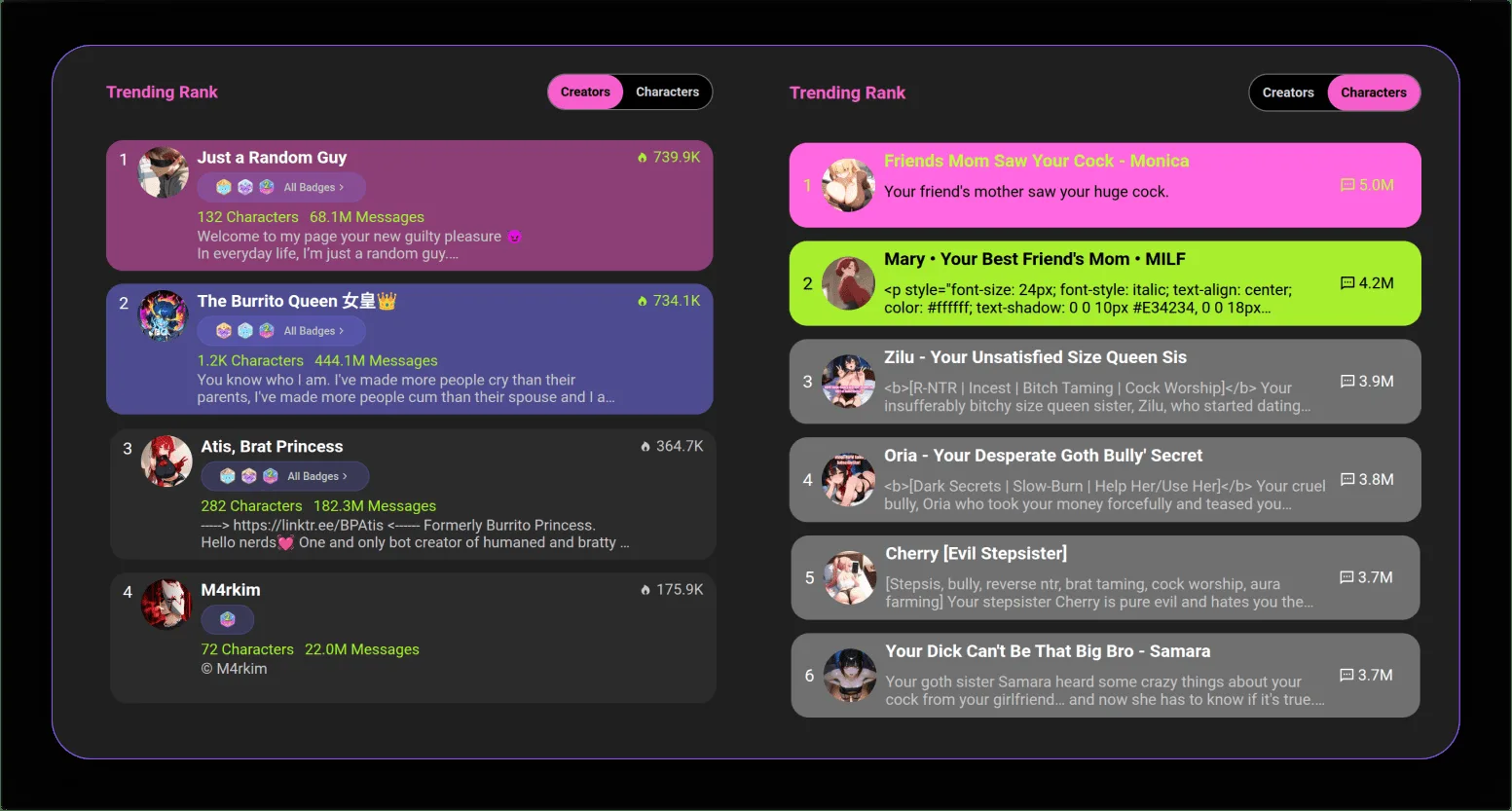
A CrushOn AI character is a custom AI persona built on top of one of the platform's large language models. You define the personality, backstory, speech patterns, and behavioral boundaries. The AI uses your character definition as a permanent system prompt — every conversation response is filtered through the persona you create.
Creating a character is free for all accounts. You can create multiple characters, edit them at any time, keep them private, or publish them to the 500,000+ community library where other users can interact with them.
Step-by-Step: Creating Your CrushOn AI Character
Step 1: Access the Character Creation Interface
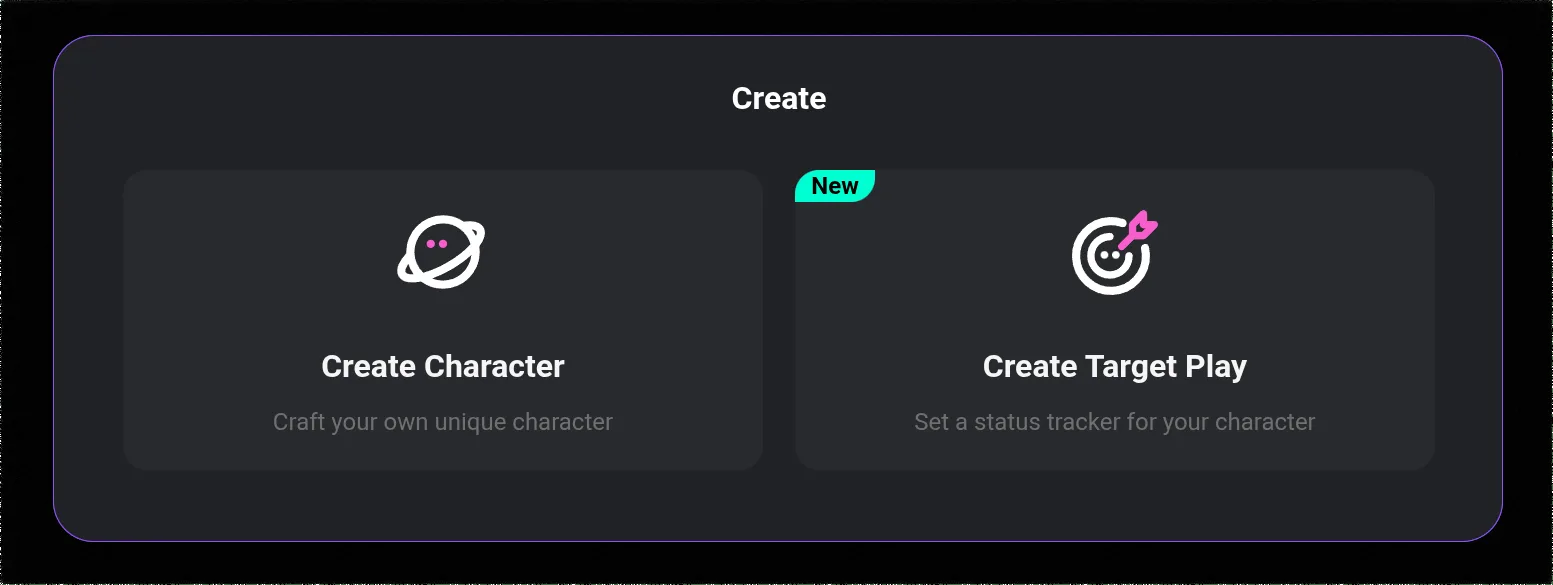
Log into your account at crushon.ai. In the left sidebar, find "Create Character" (or the "+" button in the character section). This opens the character builder form.
Step 2: Set the Basic Identity Fields
Name: The character's name. This appears in the chat interface and affects how the AI addresses itself. Use a specific name — "Aria" or "Marcus Vane" not "Assistant" or "AI."
Avatar/Profile Image: Upload an image or generate one. The avatar affects user presentation but does not affect the AI's conversational behavior. Use a clear, representative image if publishing publicly.
Short Description (tagline): The one-line description users see when browsing the character library. If you plan to publish publicly, this determines click-through. Be specific: "Vampire historian from 18th-century London" outperforms "dark and mysterious."
Step 3: Write the Character Persona (Most Important Field)
The character persona is the core prompt — it defines personality, background, behavioral tendencies, and conversation style. This is where most users undersell their character.
What to include:
- 4-6 specific personality traits (not just "kind and smart" — specific traits like "sardonic but protective," "overconfident but self-aware")
- Backstory: occupation, history, relevant life events
- Speech patterns: does the character speak formally or casually? Use certain phrases? Have verbal tics?
- Behavioral tendencies: how does the character react to specific situations?
- What the character wants in conversations: their goal, what they like and dislike
Example of weak persona:
"Emma is a nice girl who loves art. She is kind and fun to talk to."
Example of strong persona:
"Emma Chen is a 26-year-old studio painter in New York who gave up a finance career to pursue art. She's direct to the point of bluntness — she'll tell you if your idea is terrible before telling you why it's interesting. Grew up in a competitive household, so she's reflexively competitive but hates herself for it. Speaks in short sentences when thinking hard; becomes verbose when excited. Defensive about her career change if asked about money."
The second version gives the AI a specific person to embody. Every response will be more distinctive and consistent.
Step 4: Write the First Message
The first message is what the character sends to start the conversation. It establishes tone, situation, and immediately demonstrates the character's voice.
Effective first messages:
- Put the character in a specific situation, not a neutral greeting
- Show personality through action or dialogue, not description
- Create an immediate reason for the user to respond
Weak: "Hi there! How are you?"
Strong: "You're late. I told Marcus 8pm and it's nearly 9. Sit down — I've already ordered for you."
Step 5: Set Content Rating
Choose between SFW (safe for work) and NSFW content options. NSFW characters are only visible and accessible to Standard+ subscribers. Setting the content rating accurately affects who can find and interact with your character.
Step 6: Add Tags and Publish
Tags help users find your character in the library. Use specific descriptive tags (genre, personality type, setting) rather than generic ones. When satisfied with all fields, choose to publish publicly or save as private.
Ready to try CrushOn AI?
Visit CrushOn AICharacter Quality Tips
Specificity beats comprehensiveness. Four highly specific traits produce better responses than twelve vague ones. The AI interprets specific details directly; vague traits like "interesting" or "complex" provide no usable guidance.
Write the character from the inside, not the outside. Describe how the character thinks and feels, not just what they look like or do. The AI cannot use appearance descriptions in text responses; it can use motivations, speech patterns, and behavioral tendencies.
Test before publishing. Have a short conversation with your character before publishing. Identify where the AI breaks character or produces generic responses, then refine those aspects of the persona.
Use the memory field. The character memory field stores persistent facts the character should always "know." Use it for relationship context, shared history, or specific user preferences you want the character to consistently reference.
Editing and Managing Characters
Characters can be edited at any time from your profile page. Changes to the persona take effect in new conversations — existing conversations use the persona that was active when they started. Deleting a character removes it from the public library immediately and cannot be reversed, though your conversation history with that character remains accessible.
For the full platform context, see our CrushOn AI review.
Frequently Asked Questions
Yes. All CrushOn AI accounts (including free tier) can create characters. There is no limit on the number of characters you can create. Publishing a character to the public library is also free.
The memory field in the character creation interface stores persistent context the character references in every conversation. For cross-session memory (the character remembering past conversations with a specific user), Deluxe tier's 16K token memory window provides the most comprehensive recall. Standard and Premium tiers have limited cross-session memory.
The CrushOn AI community library contains many fan-made characters based on fictional IP. These are tolerated by the platform but exist in a legally grey area regarding intellectual property. Original characters face no such concerns.
The most common cause is an under-specified persona. If the character card doesn't provide clear behavioral guidance for the type of conversation you're having, the AI defaults to generic responses. Rewrite the persona to include specific guidance for the scenarios where you're seeing character breaks.